A CRM (Customer Relationship Management) system is no longer just a digital address book for the sales team. In 2026, it is the central nervous system of every customer-facing function, including sales, marketing, support, success and finance, all working from a single, real-time view of the customer. The businesses growing fastest are the ones treating their CRM as a strategic platform, not a contact list.
Whether you're evaluating an off-the-shelf platform like Salesforce, HubSpot, Zoho or Pipedrive, or planning a custom CRM software build tailored to your operations, the features below separate a CRM that quietly grows revenue from one that turns into shelfware within twelve months.
What Is a Modern CRM?
A modern CRM unifies every customer interaction, including calls, emails, chats, deals, invoices, support tickets and product usage, into a single timeline, then layers automation and AI on top so teams spend less time on data entry and more time on relationships. Done right, it becomes the source of truth that marketing, sales, support and leadership all trust.
Unified Customer Profiles
The foundation of any serious CRM is a 360° customer profile: contact details, company hierarchy, deal history, past conversations, support tickets, invoices and product usage stitched together automatically. When a rep opens an account, they should see the full story in one screen, not a dozen tabs across a dozen tools.
- Automatic deduplication and record merging
- Company and contact relationship mapping
- Real-time activity timeline across every channel
- Custom fields and object types for your industry
Sales Pipeline Automation
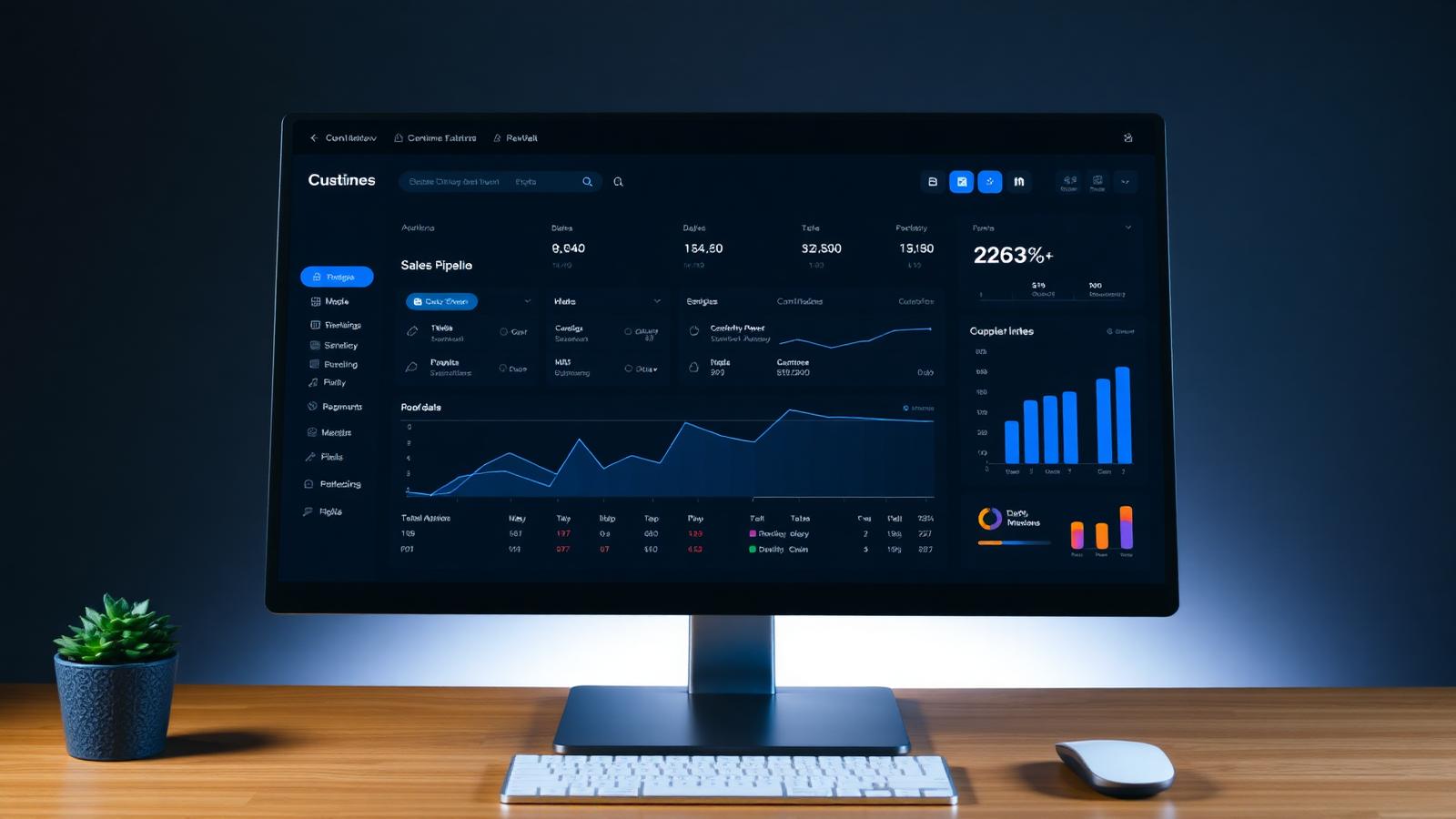
Pipeline hygiene is where most CRMs quietly fail. The 2026 baseline is a visual, drag-and-drop pipeline with automated stage transitions, task creation, follow-up reminders and deal rot alerts, so opportunities move forward instead of quietly aging out.
- Multiple pipelines for different products or regions
- Automated task and reminder creation on stage change
- Deal rotting alerts when an opportunity stalls
- Quote, proposal and e-signature workflows built in
- Approval flows for discounts and enterprise deals
AI Insights and Lead Scoring
AI is the biggest CRM shift of the last two years. A modern platform should include predictive lead scoring, next-best-action suggestions, AI-generated meeting summaries, email drafting and churn prediction, all trained on your own data, not just generic models.
- Predictive lead and account scoring
- Automatic call and meeting transcription with summaries
- AI-drafted follow-up emails and reply suggestions
- Deal-risk and churn-risk forecasting
- Conversation intelligence on sales calls
Omnichannel Communication
Customers do not think in channels, and your CRM shouldn't either. Email, WhatsApp, SMS, live chat, voice and social DMs should all land in the same inbox, tied to the same contact record, with two-way sync so nothing is lost.
- Native email, calendar and telephony sync
- WhatsApp Business, SMS and social messaging inbox
- Shared team inbox with assignment and SLAs
- Templates, snippets and sequences for outbound outreach
Marketing Automation
A CRM without marketing automation is half a product. Look for segmentation on any field, multi-step journeys, behavior-based triggers, landing pages and forms, with the same contact record powering both marketing and sales, so handoffs stop breaking.
- Dynamic segmentation and audience lists
- Multi-step email, SMS and WhatsApp journeys
- Behavior-based triggers from product or website events
- Landing pages, forms and lead-capture widgets
- UTM tracking and full-funnel attribution
Analytics and Reporting
Leadership needs answers, not exports. The right CRM ships with configurable dashboards, funnel analysis, cohort retention, revenue forecasting and rep-level performance, all available on demand, not once a month in a spreadsheet.
- Custom dashboards per role (rep, manager, CEO)
- Revenue forecasting with weighted pipelines
- Cohort and retention analysis
- Goal tracking, quotas and leaderboards
- Scheduled email reports and Slack digests
Integrations With ERP, POS and Finance
A CRM in isolation is a silo. In 2026 it should sit at the heart of the stack, talking to your ERP software, POS, accounting, inventory, support desk and product analytics through APIs and webhooks so data flows in both directions.
- Two-way sync with ERP, accounting and inventory systems
- Native or API-based POS integration for retail and F&B
- Zapier / Make / n8n support for long-tail tools
- Webhook and event-bus support for custom software
Mobile and Offline Access
Field sales, service technicians and account managers rarely work at a desk. A production CRM in 2026 must ship a first-class mobile app with offline mode, voice-to-text notes, business-card scanning and location-aware check-ins.
Security, Roles and Compliance
Your CRM holds the most sensitive commercial data in the company. Non-negotiables include role-based access control, field-level permissions, audit logs, SSO / SAML, data residency options and compliance with GDPR, HIPAA or PCI-DSS depending on your industry.
- Granular role and field-level permissions
- SSO, SAML and multi-factor authentication
- Full audit trail on every record change
- Data residency, encryption at rest and in transit
- Configurable retention and right-to-be-forgotten workflows
Custom CRM vs Off-the-Shelf
Most growing companies start on an off-the-shelf CRM, then hit a ceiling once their workflows, integrations or per-seat costs no longer fit. That's usually the right moment to consider a custom CRM software build, either replacing the platform entirely or wrapping it with a custom layer that owns the differentiated workflows.
Frequently Asked Questions
What is the most important feature of a CRM in 2026?
A unified customer profile with real-time activity across every channel. Everything else, including automation, AI and reporting, depends on clean, connected data. Without that foundation, the fancier features never deliver ROI.
Do small businesses really need a CRM?
Yes. Even a five-person team benefits from a shared pipeline, automated follow-ups and a single place to see every customer conversation. Starting early prevents years of messy data migrations later.
How is AI changing CRM software?
AI now handles the busywork that used to consume rep time, such as logging calls, drafting emails, summarizing meetings, scoring leads and predicting churn. Teams focus on relationships while the CRM handles the paperwork.
Should we build a custom CRM or buy one?
Buy first, build later. Start with a strong off-the-shelf platform to validate your process. Move to custom CRM software when per-seat costs, workflow limits or missing integrations start blocking growth.
Can a CRM integrate with our ERP, POS and accounting tools?
Yes. Modern CRMs are API-first and integrate natively, or through Zapier, Make and n8n, with ERP, POS, inventory, accounting and support systems, creating a single source of truth across the business.
Final Recommendation
The CRM you choose in 2026 will quietly shape how fast you grow for the next five years. Prioritize unified customer data, automation, AI insights, omnichannel communication and deep integrations, and treat the CRM as a strategic platform, not a sales tool. Whether you adopt a leading SaaS CRM or invest in a custom build, the goal is the same: a single connected system that turns every customer interaction into revenue.
If you're evaluating a new CRM or planning a custom build tailored to your workflows, our team can help you scope, design and ship a platform your business will actually use.